

Decision guide
IPTV Player Apps Explained: How to Choose One
By CatchON TV Support TeamPublished
On this page
An IPTV player is an app that turns your IPTV login (an M3U link, an Xtream Codes account or a MAC portal) into a channel list, a TV guide and a video player. Players include no channels themselves. Choose one that runs on your device, supports your login format and comes from an official store or its developer.
What does an IPTV player do?
Your IPTV subscription supplies streams. The player supplies everything you interact with: the channel list, favourites, the programme guide, search and the playback engine. That is why two people with the same subscription can have very different experiences. New to the terms? Start with what IPTV is and how it works.
Reputable players say plainly that they carry no content. TiviMate’s store listing, for example, says it “is a media player only and does not provide any content” (Google Play), and Smart IPTV describes itself as “Just a media player. No channels included” (siptv.app).
Types of IPTV player app
| Type | Typical platforms | Strengths | Trade-offs |
|---|---|---|---|
| TV-first players | Android TV, Google TV, Fire TV | Grid TV guide, remote-friendly, recording and catch-up in some | Often a paid upgrade; may not suit phones |
| All-round players | Android, iOS, Fire TV, some TVs | One app on many devices; Xtream Codes support | Many lookalike apps share similar names |
| MAC-activated TV apps | Samsung (Tizen), LG (webOS) | Run directly on the TV without a stick | Playlist added on a website; per-TV activation fee |
| General media players | Windows, macOS, Linux, mobile | Free; opens an M3U link directly | Usually no TV guide |
Players compared by platform
The table lists only facts we could confirm from each app’s official store listing or website.
| Player | Runs on | Login formats | Cost model | Guide |
|---|---|---|---|---|
| TiviMate | Android TV / Google TV / Fire TV (“not optimized for touch devices such as phones or tablets”) | M3U, Xtream Codes, Stalker Portal | Free app with paid upgrade (in-app purchases) | Yes, grid EPG |
| IPTV Smarters Pro | Android and iOS (developer statement, 2019) | Check the current store listing | Check the current store listing | Check the listing |
| Smart IPTV | Samsung Tizen (2022+), LG webOS, Android / Google / Fire TV | M3U uploaded via the website | One-time 5.49 EUR activation per TV/device | With an EPG link |
| VLC media player | Windows, macOS, Linux, Android, iOS and more | Opens M3U links and files | Free, open source | No |
Sources: TiviMate on Google Play, Smart IPTV activation page, VideoLAN, TorrentFreak on IPTV Smarters. Where we couldn’t confirm a detail from an official source, the table says so rather than guessing.
How to choose
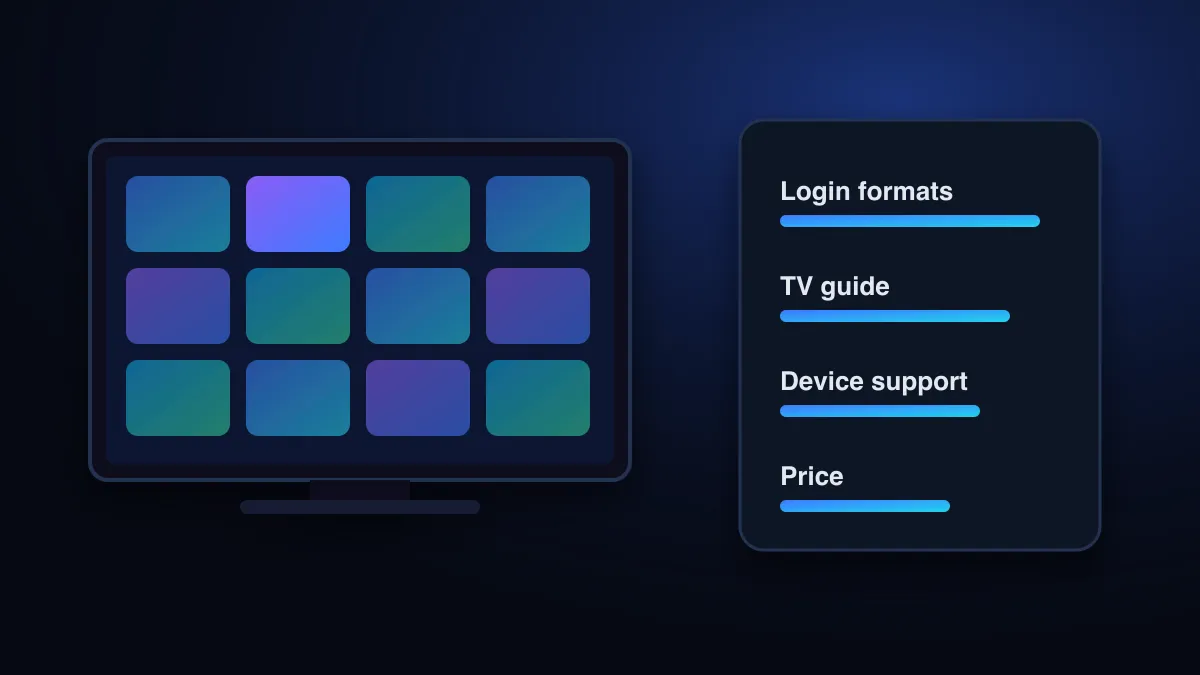
- It runs on the device you’ll watch on most. Check the store listing before you pay for anything; “unsupported device” errors come from the app, not your subscription.
- It supports your login format. Xtream Codes is easiest; M3U is the universal fallback (see the M3U guide).
- It shows the programme guide the way you like: grid, list or now-and-next.
- Its price is clear: free, a one-off activation, or a subscription, and you know what the paid tier adds.
- It is still being updated. An app untouched for years may break with new devices.
- It comes from an official app store or the developer’s own site.
“IPTV Pro”, “Smart Player” and other names
Searches such as “iptv pro”, “iptv smart player” and “iptv stream player” are rarely about one specific app. Dozens of store listings use those words. Treat the name as a description and judge the app on the checklist above, especially the developer name and the update history. Two widely used players have their own guides: TiviMate and IPTV Smarters Pro.
Avoiding fake and lookalike apps
- Check the developer name on the store page and compare it with the app’s official website.
- Be wary of “premium unlocked” or “mod” versions. Builds from file-sharing sites are a common malware route.
- Remember that a player never comes with channels. An app that claims to include free channels is not a player.
Player apps sit in a legal grey zone only when they are bundled with unlicensed content. In 2019 IPTV Smarters was briefly removed from Google Play after a copyright complaint and reinstated; its developer said “we are not offering any kind of media content” (TorrentFreak). The legal side is covered in Is IPTV legal?, and hardware in the IPTV box guide.
Sources
- TiviMate IPTV Player (Google Play listing, developer Armobsoft FZE) — Google Play (accessed )
- Smart IPTV: activation — Smart IPTV (siptv.app) (accessed )
- VLC media player — VideoLAN (accessed )
- IPTV Smarters App Back on Google Play After Winning Copyright Dispute (Oct 26, 2019) — TorrentFreak (accessed )
Check that your device works with CatchON TV before you choose a plan.
Check supported devices