

Device guide
IPTV Boxes Explained: Which Device Should You Use?
By CatchON TV Support TeamPublished
On this page
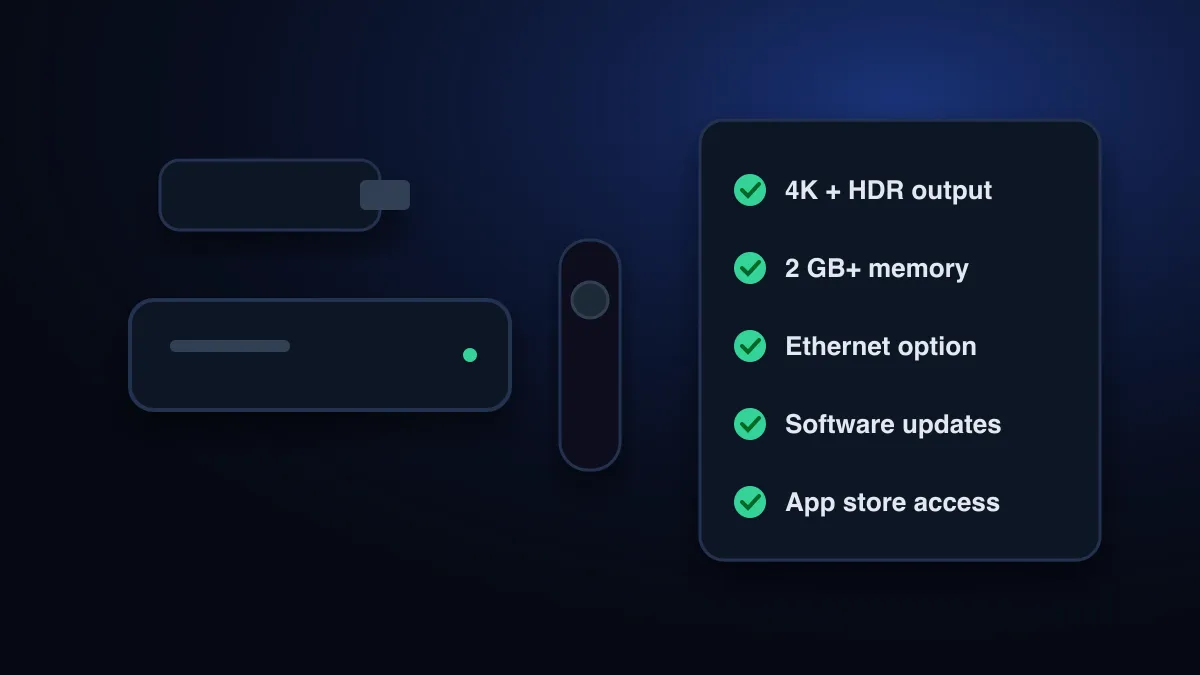
An IPTV box is any streaming device that plugs into your TV’s HDMI port and runs an IPTV player app: a streaming stick, an Android TV or Google TV box, a Fire TV device or a MAG-style set-top box. What matters most is 4K output if you need it, enough memory, Ethernet, regular updates and a proper app store.
What is an IPTV box?
There is no special “IPTV box” standard. The term covers any device that can run the player app your service needs. That matters when shopping: a box sold as an “IPTV box” is usually an ordinary Android device, sometimes with extra software you don’t want. How the streams themselves reach the box is explained in what IPTV is.
The main types of device
| Type | How it runs IPTV | Good for | Watch out for |
|---|---|---|---|
| Streaming stick (Fire TV, Google TV) | Player app from the store or sideloaded | Low cost; hides behind the TV | Weaker Wi-Fi; limited storage on cheaper models |
| Android TV / Google TV box | Player apps from Google Play | Wide app choice; often Ethernet | Quality and update support vary widely |
| Fire TV (stick or cube) | Fire OS is “a fork of Android” (Amazon) | Familiar interface; many apps run | Some players need sideloading |
| MAG / Stalker-portal set-top box | Portal URL + the box’s MAC address | Simple, remote-only experience | Tied to portal-based services |
| Smart TV, no box | Built-in app store players | No extra device | Older TVs lose app support |
Fire OS source: Amazon Developer documentation.
What matters for IPTV
| Criterion | Why it matters | Rule of thumb |
|---|---|---|
| Video output | 4K channels need a 4K device and TV | Buy 4K only if your TV and plan use it |
| Memory (RAM) and storage | Large channel lists and guides need memory; apps need space | Prefer 2 GB RAM or more and spare storage |
| Network | Live TV needs steady throughput: about 15 Mbps per 4K stream | Ethernet port, or at least a strong 5 GHz Wi-Fi signal |
| Updates | Players drop old OS versions over time | Choose a brand with a record of updates |
| App store | Safe installs and automatic updates | Google Play, Amazon Appstore, or the TV’s own store |
| Remote | IPTV is browsed with a remote | Physical number or channel buttons help |
Speed figure: Netflix-recommended internet speeds.
Certified vs uncertified Android boxes
Google runs a certification programme for Android devices. Certified devices “are also required to ship without pre-installed malware and include Google Play Protect.” For uncertified ones Google warns: “your device may not be secure and may not function properly” (Google). Many cheap unbranded “IPTV boxes” are uncertified. Check before you buy.
Boxes sold “fully loaded”
Which one should you choose?
- Already have a Fire TV or Google TV device? Use it. Most IPTV players run on both.
- Want the widest app choice and an Ethernet port? An Android TV / Google TV box from an established brand.
- Your service uses a MAC portal? A MAG-style box, or a player that supports Stalker portals. Note that the MAG 322 stops at 1080p.
- Own a Roku TV? Add a stick on another HDMI port. Roku rarely runs IPTV players (see IPTV on Roku).
- Recent Samsung or LG TV? Try a built-in player first. A box is the fallback.
More on the apps themselves: how to choose an IPTV player. Roku owners should read IPTV on Roku. Setting up a portal box is covered in the MAG 322 IPTV guide, and buying for 4K in what 4K IPTV needs. In the UK, avoid “fully loaded” boxes for the reasons in our UK IPTV guide. For CatchON TV, the supported devices page lists what works, and if a box buffers, start with the buffering guide. If an app won’t install, see unsupported device errors.
Sources
- Play Protect Certified Android devices — Google / Android (accessed )
- Fire OS overview — Amazon Developer documentation (accessed )
- Press release: judgment in Case C-527/15 Stichting Brein v Jack Frederik Wullems (Filmspeler) — Court of Justice of the European Union (accessed )
- Netflix-recommended internet speeds — Netflix Help Center (accessed )
Check that your device works with CatchON TV before you choose a plan.
Check supported devices