

How-to
MAG 322 IPTV Setup: Portal URL, MAC Address and Limits
By CatchON TV Support TeamPublished
On this page
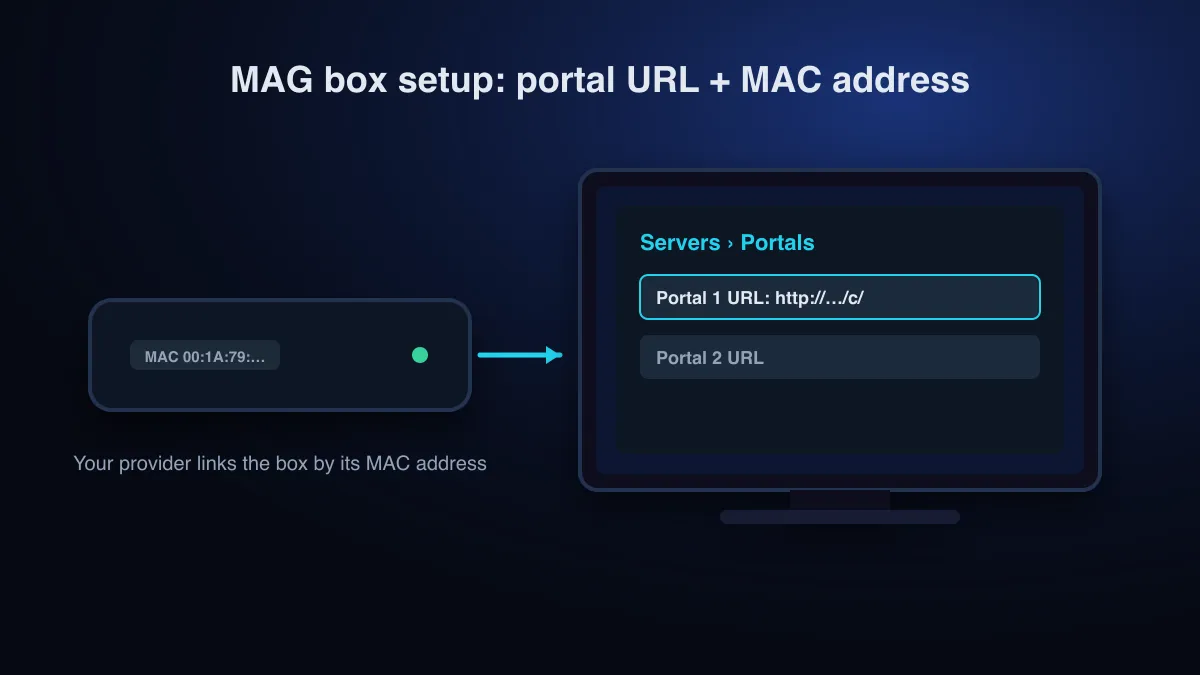
A MAG 322 runs IPTV through a portal. Your provider registers the box’s MAC address, you enter the portal URL under System settings → Servers → Portals, and you restart. The box decodes HEVC only up to 1080p and Infomir lists it as discontinued, so MAG 322 IPTV is HD only, with no 4K.
MAG 322 at a glance
| Spec | MAG 322 |
|---|---|
| Status | Listed under Infomir’s discontinued set-top boxes |
| Video output | Up to 1080p (also 1080i, 720p, 576p) |
| HEVC (H.265) | Main/Main10 up to 1080p at 60 fps |
| Network | 100 Mb/s Ethernet; Wi-Fi 802.11 b/g/n only on the MAG322w1 variant |
| Memory | 512 MB RAM |
Source: Infomir MAG322 specifications.
Which IPTV services work on a MAG 322?
The MAG 322 is built to load a provider’s portal: a web address that serves the channel menu, linked to your box by its MAC address. So the first question for any service is whether it supports MAG portals. A service that supplies only an app login or an M3U link is designed for player apps on other devices. Our M3U playlist guide explains that format.
When looking for the best IPTV for MAG 322 boxes, check these before you pay:
- The provider supports MAG / Stalker-style portals and will register your MAC address.
- Channels are offered in HD. 4K channels won’t play on this box.
- Streams use H.264 or HEVC, both of which the MAG 322 decodes up to 1080p.
- There is a trial, so you can test the portal on your box before paying for months.
- Licensing is explained. See Is IPTV legal? before buying from any seller.
Set up IPTV on a MAG 322
Find the MAC address
It is printed on the label under the box and shown in the box’s settings.
Send the MAC address to your provider
The provider links your subscription to that address and sends you a portal URL. Nothing will load until this is done.
Open the portal settings
Go to System settings → Servers → Portals (Infomir documentation).
Enter the portal URL
Select Portal 1 URL, press the KB button on the remote to bring up the keyboard, and type the URL exactly as supplied, with no spaces. Give Portal 1 a name if you like.
Save and restart
Save, exit the settings and restart the portal or the box. The provider’s menu should load. If the URL is mistyped, the box warns you when you save.
Common MAG 322 problems
| What you see | Likely cause | What to do |
|---|---|---|
| Portal never loads | URL mistyped or incomplete | Re-enter it character by character, including any path at the end |
| Message that the box is blocked or not registered | MAC address not registered, or registered with a typo | Read the MAC from the label and resend it to the provider |
| Login or authorization errors | Subscription expired or inactive | See authentication errors explained |
| 4K channel shows no picture | Box decodes up to 1080p only | Use the HD version of the channel, or another device |
| Picture freezes in the evening | Network congestion | Switch to Ethernet; test at another time |
Limits, and when to replace it
The MAG 322 is a simple, remote-only box that still suits HD viewing. Its limits are fixed in hardware: no 4K, 100 Mb/s Ethernet and older Wi-Fi. HEVC (ITU-T H.265) support helps with bandwidth but stops at 1080p. If you want 4K, read what 4K IPTV needs. To compare portal boxes with Android TV and Fire TV devices, see the IPTV box guide.
Sources
- MAG322 description and specifications (discontinued set-top boxes) — Infomir (accessed )
- External portal loading (System settings ⇒ Servers ⇒ Portals) — Infomir documentation (accessed )
- Recommendation ITU-T H.265: High efficiency video coding — International Telecommunication Union (ITU-T) (accessed )
Check that your device works with CatchON TV before you choose a plan.
Check supported devices