

Pillar guide
CatchON TV Review: Features, Prices and Limitations
By CatchON TV Support TeamPublished
On this page
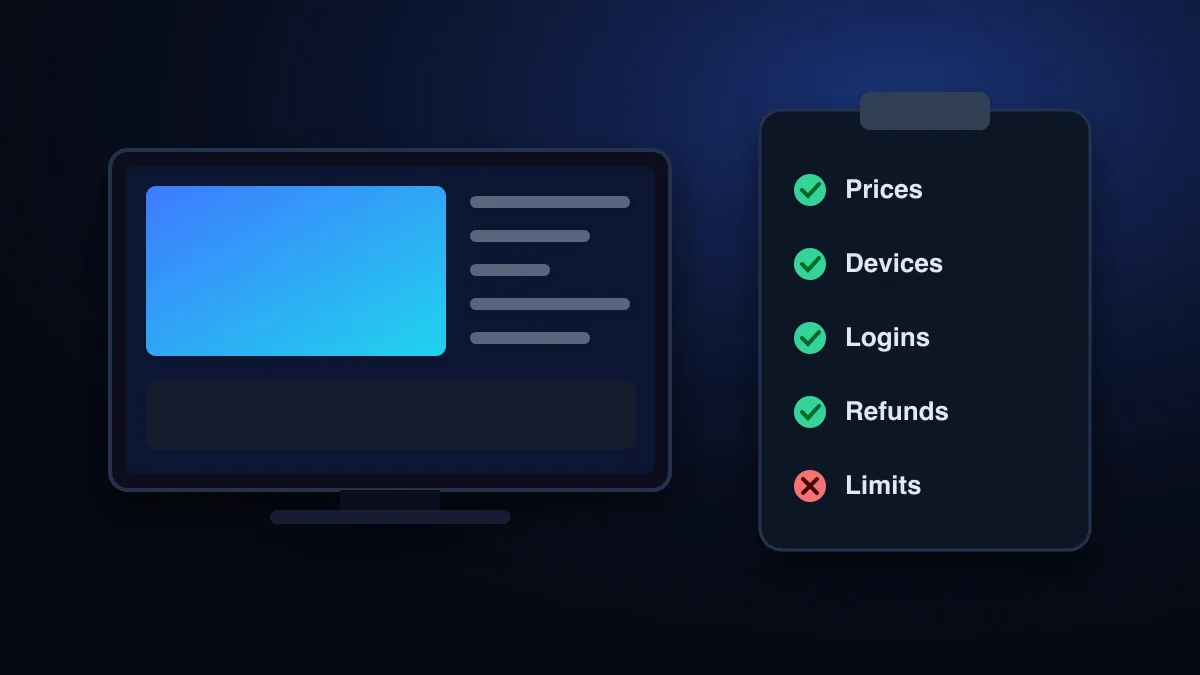
CatchON TV is a prepaid IPTV subscription for live channels, on-demand films and series, and a programme guide, watched through a third-party player app. One-device plans cost $20 for a month or $75 for a year, with plans for up to 4 screens. What you get in practice depends heavily on your device, your player app and your internet connection.
Who wrote this review
CatchON TV at a glance
| Detail | |
|---|---|
| Type of service | Internet IPTV subscription (live TV, video on demand, programme guide) |
| Plan lengths | 1, 3, 6 and 12 months, paid upfront |
| Screens at once | 1 device, 2 devices, 3 devices, 4 devices |
| Price range | $20 (1 month, 1 device) to $190 (12 months, 4 devices) |
| Login formats | Xtream Codes, M3U playlist link, MAC portal for MAG-style boxes |
| Devices | Fire TV, Samsung and LG TVs, Android TV, Android, iPhone/iPad, computers, MAG boxes |
| Own app | No. You use a compatible third-party player |
| Trial | 24-hour trial on request |
| Refunds | Within 7 days if it can’t be made to work on your device |
Prices for 1 to 4 devices
Every plan includes the same content. You pay for two things: how long the plan lasts and how many screens can play at the same time.
| Screens | 1 month | 3 months | 6 months | 12 months |
|---|---|---|---|---|
| 1 device | $20 | $35 | $55 | $75 |
| 2 devices | $30 | $50 | $80 | $110 |
| 3 devices | $40 | $65 | $105 | $140 |
| 4 devices | $55 | $90 | $140 | $190 |
The annual one-device plan works out at about $6.25 a month, the lowest monthly cost. A month at a time costs more but limits what you risk if the service doesn’t suit you. Current prices are always on the pricing page.
What a subscription includes
- Live channels grouped by country and category in your player’s channel list.
- On-demand films and series that start from the beginning when you press play.
- A programme guide (EPG) for channels whose broadcaster supplies schedule data. Some channels show no guide.
- SD to 4K streams, depending on what each channel’s source offers and what your connection can carry.
- Support by email and WhatsApp for setup, renewals and refunds.
We deliberately don’t quote a channel count here. Line-ups change, and a headline number tells you nothing about whether the channels you watch are included. Our guide to CatchON TV channels explains how to check before paying.
What setup involves
CatchON TV is not an app you download from one store. After payment you receive login details and enter them in an IPTV player on your device. On an Android TV that can take a few minutes. On a Firestick it involves installing a player app first. On Samsung and LG TVs many players are activated through the TV’s MAC address on the player’s website. The setup guide covers each route.
This flexibility is a genuine advantage, because you can use the player you prefer on almost any screen. It also means the app, its updates and any one-off app fees come from a third party, not from CatchON TV.
Limitations to weigh
| Limitation | Why it matters | What helps |
|---|---|---|
| Depends on your connection | Live streams can’t pre-download much; weak Wi-Fi shows up as buffering | Ethernet or 5 GHz Wi-Fi; about 15 Mbps per 4K screen |
| Third-party player apps | Interface, features and fees vary by app | Pick the player before you buy; ask support |
| Line-ups change | Channels can be added, moved or removed | Check your must-have channels during a trial or a 1-month plan |
| Guide data is incomplete | Some channels have no EPG | Update the EPG in the player; accept gaps on smaller channels |
| Licensing isn’t documented here | Legality depends on content rights and your country’s law | Is CatchON TV legal? |
Reading other CatchON TV reviews
Search for a CatchON TV review and you will find many sites using similar names, often with very large channel counts, star ratings and ranking claims. Keep three things in mind:
- Several unrelated websites use the CatchON TV name. A review of one seller tells you little about another.
- Figures such as channel totals or uptime are rarely sourced. Treat any number you can’t verify as marketing.
- Reviews published by the seller, including this one, are not independent. Weigh them alongside your own test and the refund terms.
Before you pay anyone, check the domain and the payment method. How to spot copycat CatchON TV sites explains what to look for.
Is CatchON TV worth it for you?
| Likely a good fit if you… | Probably not a fit if you… |
|---|---|
| Want live channels and on-demand video in one app | Need certainty that a specific channel will always be there |
| Watch on a Firestick, Android TV, Smart TV or phone | Only have a Roku and don’t want an extra device |
| Have a stable connection of 15 Mbps or more for 4K | Rely on slow or capped mobile data |
| Are comfortable installing and signing in to an app | Want everything managed by your broadband provider’s box |
How to test it yourself
The review that matters most is the one you run on your own TV and network. In the first day, check:
- The five channels you watch most, including at evening peak time
- A 4K stream if you plan to watch in 4K
- That the programme guide loads in your chosen player
- How quickly channels switch and how support answers a question
What to test during an IPTV free trial turns this into an hour-by-hour plan. If something fails, the troubleshooting guide covers the common causes before you decide. New to the technology? Start with what IPTV is.
Technology background: IPTV on Wikipedia. Speed guidance: Netflix-recommended internet speeds.
Sources
- Internet Protocol television — Wikipedia (accessed )
- Netflix-recommended internet speeds — Netflix Help Center (accessed )
Compare the plans for 1 to 4 devices, or ask support a question before you buy.
See CatchON TV plans