

Explainer
CatchON TV Channel List: What to Know Before You Subscribe
By CatchON TV Support TeamPublished
On this page
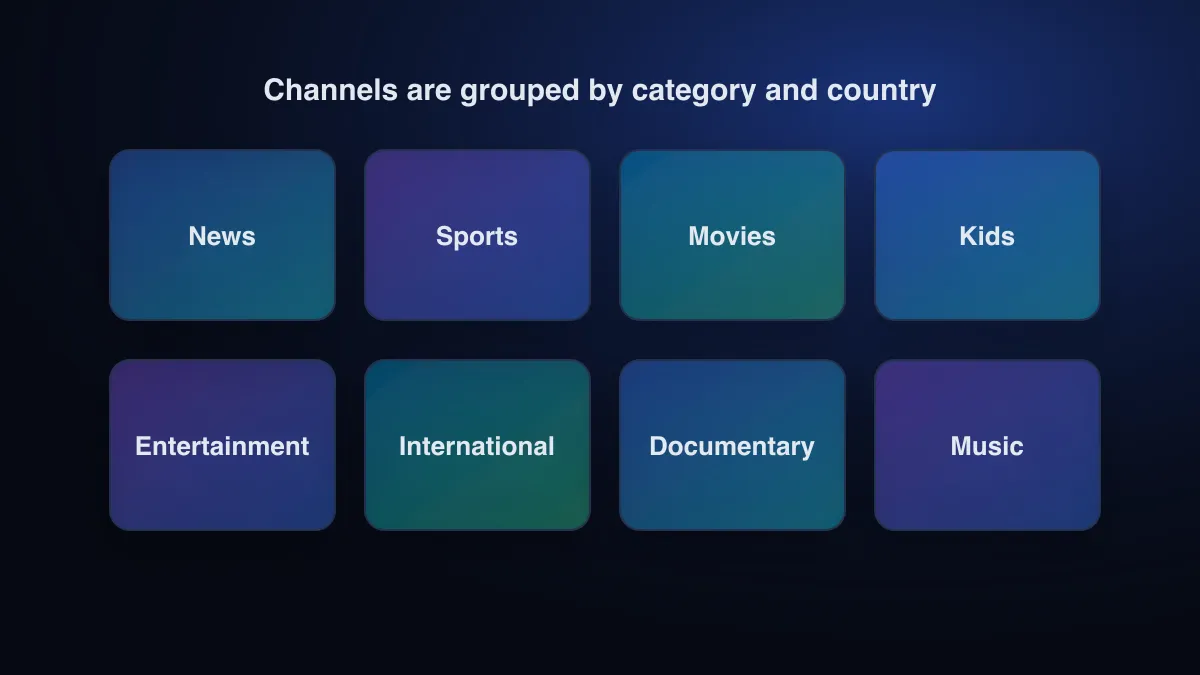
The CatchON TV channel list is grouped by country and category: news, sport, entertainment, kids, films and international. It changes over time, so a fixed count or a static list goes out of date quickly. The reliable way to check is to ask support about your specific channels, then confirm them yourself during a trial or a one-month plan.
Why we don’t publish a giant channel list
Many sites quote tens of thousands of channels. We don’t, for three reasons. Line-ups change, so a list printed today is wrong next month. A total says nothing about whether the five channels you care about are there and work well. And we won’t publish network names or logos we haven’t verified for you. The CatchON TV review explains our approach to claims in general.
How CatchON TV channels are organised
Your player app shows channels in groups, taken from the group information in the playlist (the group-title value in an M3U file; see the M3U guide). Typical groups look like this:
| Group type | What you’ll find | Tip |
|---|---|---|
| By country | National channels for a country or language | Hide countries you never watch to shorten the list |
| By category | News, sport, entertainment, kids, documentary, music | Build a favourites group across categories |
| Events | Temporary channels for specific broadcasts | These appear and disappear with the schedule |
| On demand | Films and series libraries (with an Xtream Codes login) | Separate from live channels in most players |
Regional versions and time zones
Some networks have several feeds, such as different regions or time zones. If a programme seems to be on at the wrong time, you may be on a different regional feed. Check the channel name for a region or time-zone label, and use the guide to confirm.
Picture quality and guide data
- Quality labels (SD, HD, FHD, 4K) usually appear in the channel name. Higher isn’t always better on a slow connection.
- Guide data comes from a separate source and only exists for channels whose broadcaster publishes schedules (what an EPG is). Smaller channels may show no guide at all.
Why channel availability changes
| Change | What you notice |
|---|---|
| A source goes offline | A channel shows black, an error, or buffers constantly |
| Channels are renamed or regrouped | Favourites stop working or move to another group |
| New channels are added | New entries after the player refreshes the playlist |
| Event channels end | Temporary channels disappear after the event |
How to check your channels before buying
Write your must-have list
Five to ten channels you would cancel without.
Ask support
Send the list through the contact page and ask which are available on your plan.
Test them yourself
Use a trial or a one-month plan and open every channel on your list, including at evening peak time. What to test during a trial has a full plan.
Then choose a plan length
Commit to longer plans only once your channels have proven reliable. Prices are on the pricing page.
Does the line-up differ by device?
No. The channel list comes from your account, not the device. What does vary is how players display it: some hide empty groups, some show logos, some sort differently. If a channel appears on one device and not another, refresh the playlist on the second device. Worried about which site you’re buying from? See how to spot copycat CatchON TV sites.
Sources
- Electronic program guide — Wikipedia (accessed )
- M3U — Wikipedia (accessed )
Compare the plans for 1 to 4 devices, or ask support a question before you buy.
See CatchON TV plans